
Context
Coloring books and apps for adults ask you to stay inside someone else's lines. People who would like to draw often stop at the blank page: where to start, what to draw.
The app is for someone with an iPad and an Apple Pencil, or just an iPhone and a finger, who wants twenty quiet minutes of drawing without deciding where to begin. No drawing skill assumed.
The problem
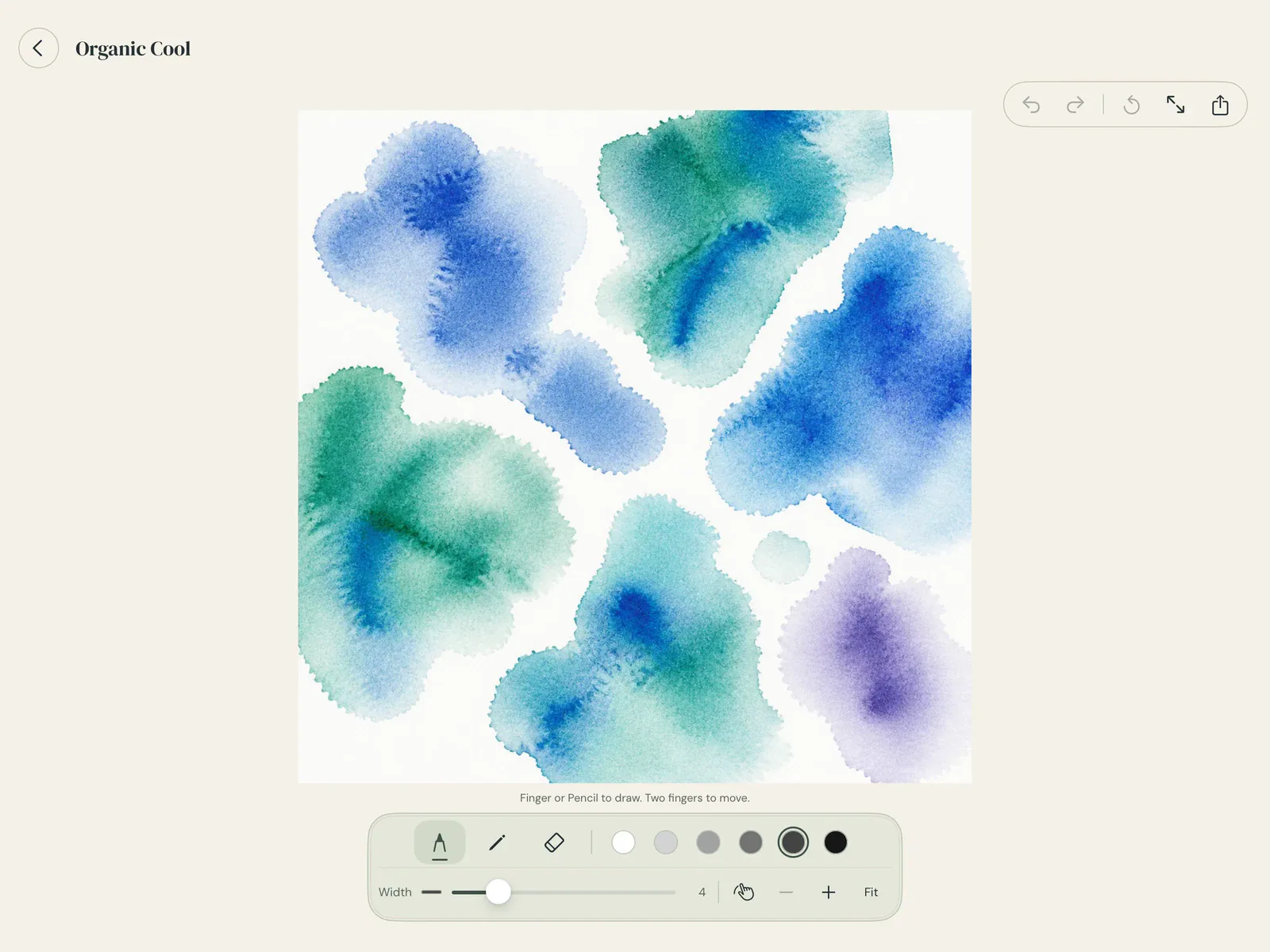
Start from color and the blank page disappears: the shapes in a watercolor already suggest fish, leaves, faces. The design problem was to protect that moment. Every tool, setting or choice placed between opening the app and the first line works against it.
Constraints
Nothing may damage the painting
Whatever you draw or erase, the watercolor underneath stays as it was.
A finger is a full tool
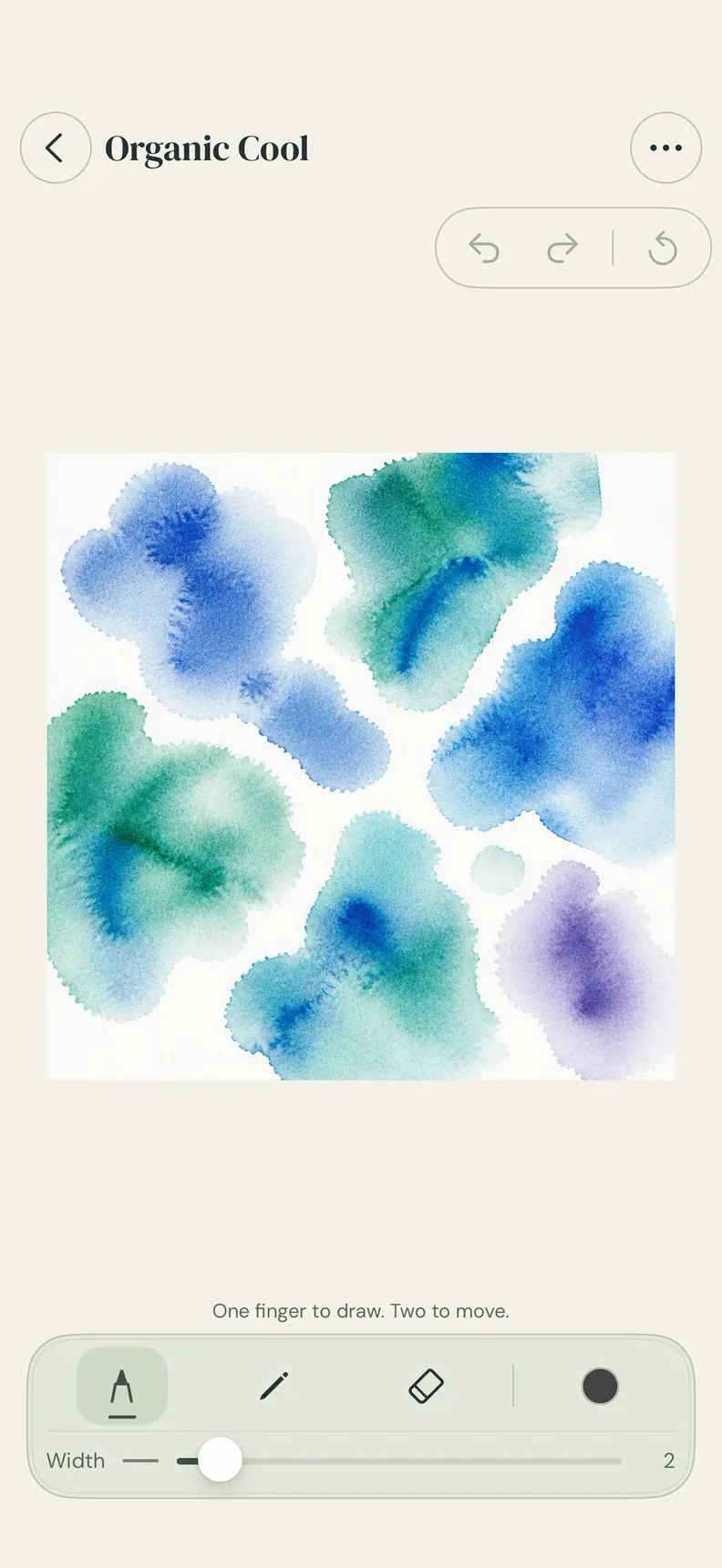
On iPhone, drawing with a finger is the main way to draw, not a reduced mode.
Nothing to manage
No accounts, no scores, no streaks, no Save button.
One app, two sizes
A single universal app for iPad and iPhone, with the layout chosen by size class.
Our role
The concept, the interaction and visual design, the iOS code, the App Store listing and releases, the product site, and now the native Android port.
What we designed
No layers, by design
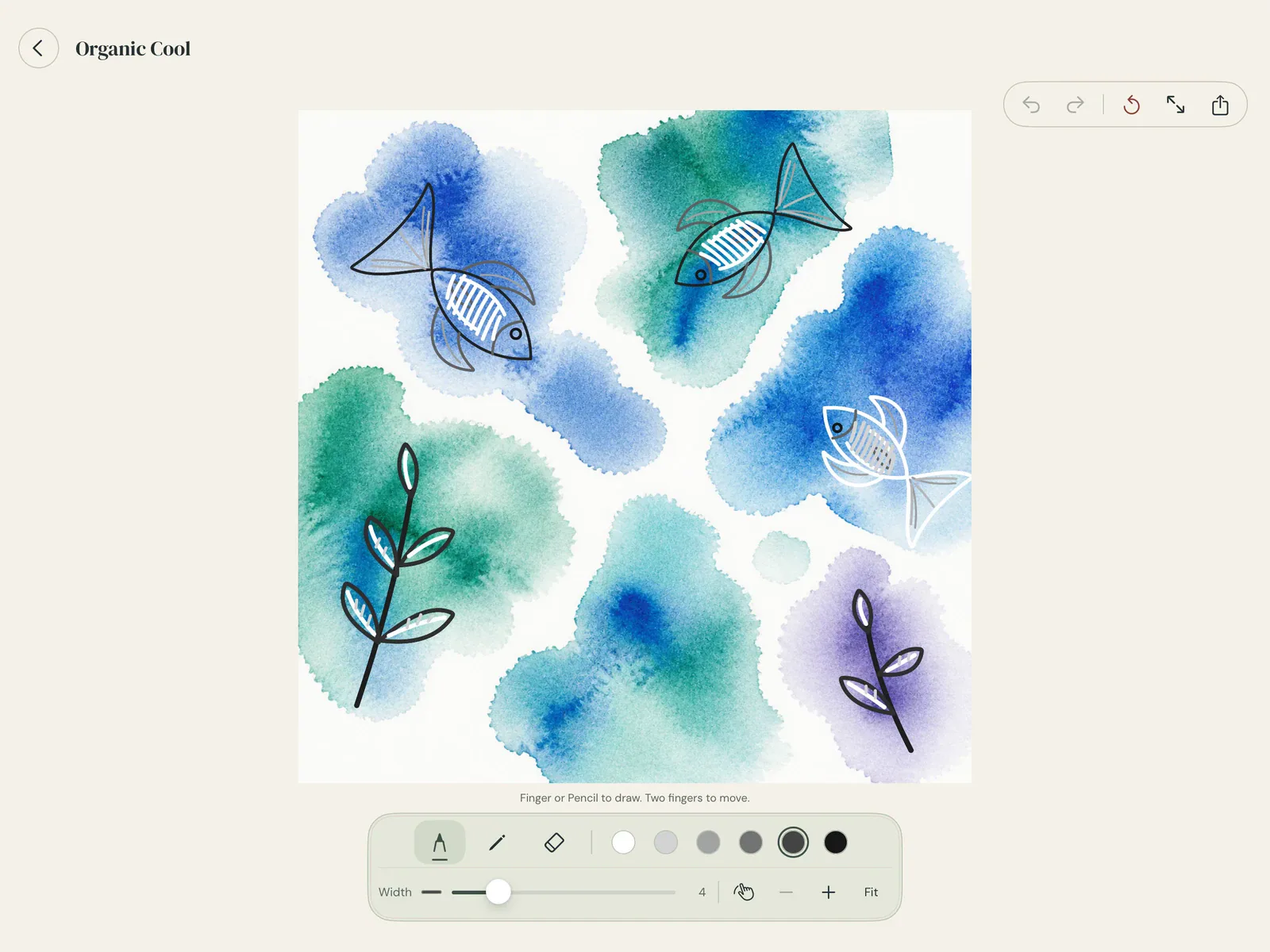
The watercolor sits behind the drawing and the eraser never touches it. There is no layer panel to learn, and no way to ruin the page.
Six inks, all grey
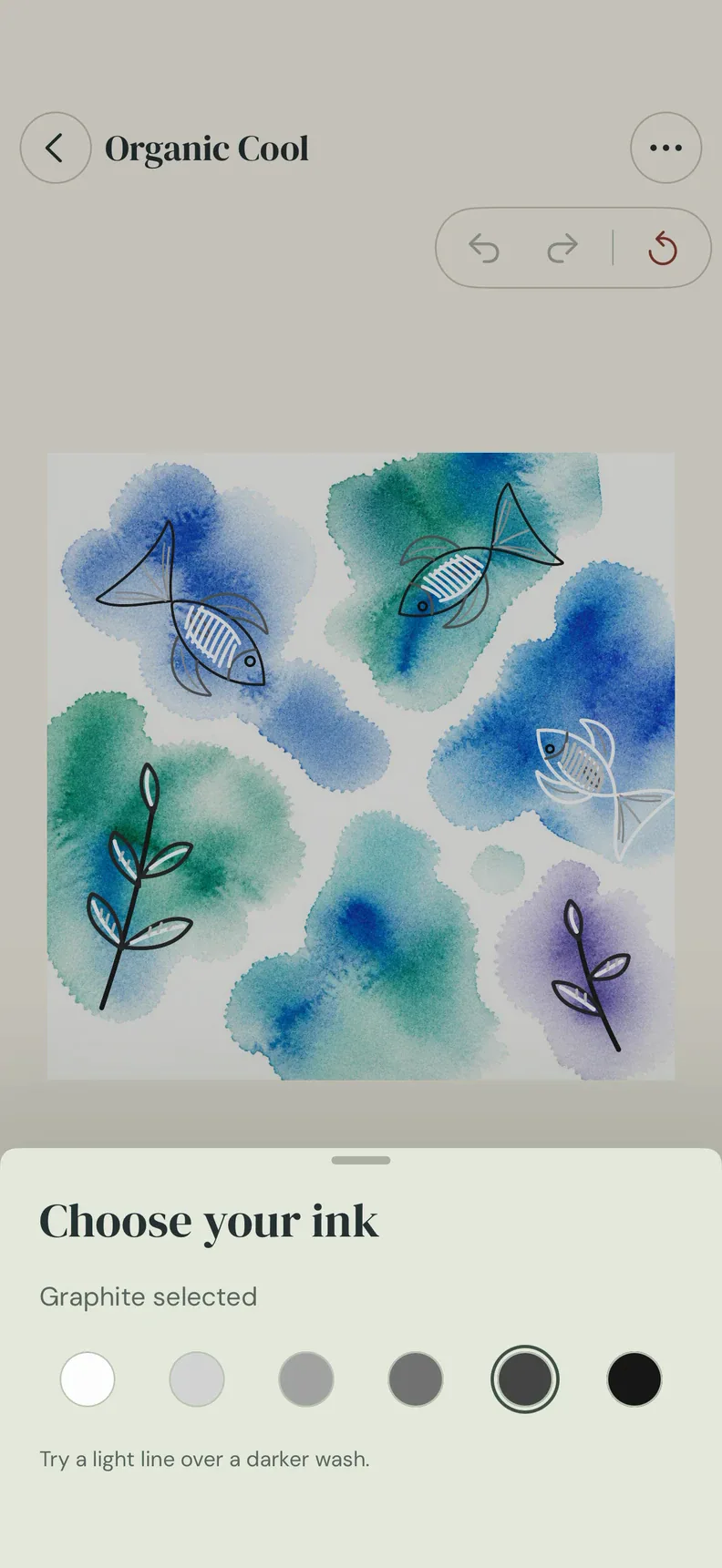
Inks are a fixed scale of six greys from white to black. The color comes from the page, so the only choice left is how light or dark a line should be.
Pages that ship with the app
Producing backgrounds in code was tried twice, first with Core Image and then with a Metal shader, and dropped in favour of finished 2048-pixel images bundled with the app.
Autosave and a timelapse
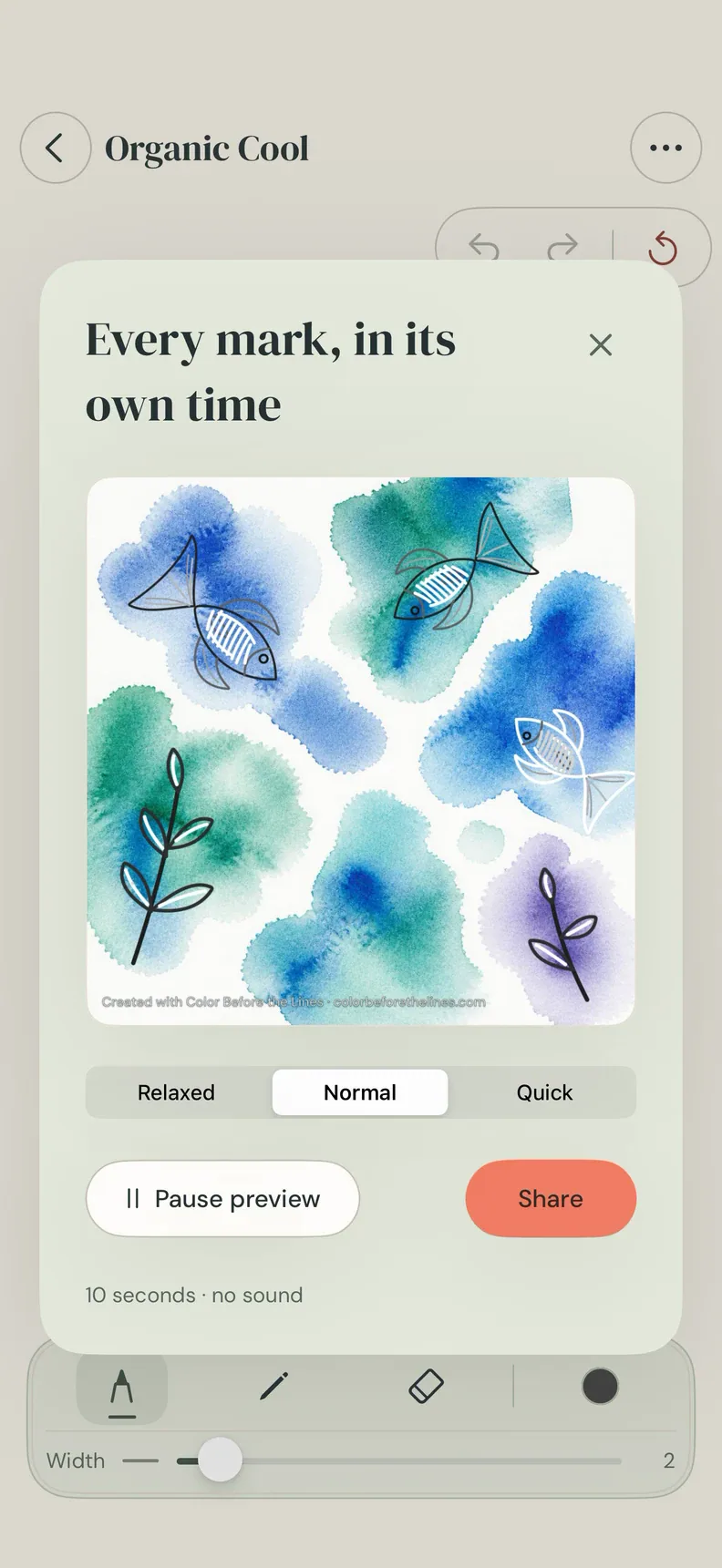
There is no Save button. Every stroke is kept, and a finished page plays back as a ten-second timelapse to share as a video or an image.
iPad and iPhone are different hands
On iPhone the sheet is pinned to the top so the hand doesn't cover the drawing, the inks stay on screen and Undo and Redo sit under the thumb. Landscape on iPhone was tried and left out.
Undo everywhere
Unlimited undo, a double tap on the Apple Pencil, two- and three-finger taps for undo and redo, and a right-click menu when the app runs on a Mac.
Onboarding that happens once
The welcome went from a paged tour with a three-step tutorial, to a before-and-after slider, to a single screen shown on first launch only.
One-time packs, no subscription
Ten watercolors are free. Since version 1.2.0 three extra packs are one-time purchases; the art ships inside the app and a purchase only unlocks it.
Reviewing our own work
A UX audit of the released app in October 2026 found text with too little contrast and no haptic feedback; version 1.3.1 fixed several of the points. The app has settings for readability, reduced motion, finger drawing and color vision.
What shipped
- 22 Aug 2026
- First commit
- Sep 2026
- After a first release for iPad only, iPhone joins in one universal app, version 1.1.5
- Oct 2026
- Packs as one-time purchases (1.2.0), a tabletop layout for iPhone Duo (1.3.0)
- Nov 2026
- Version 1.3.3 on the App Store
- Also
- Runs on Apple silicon Macs as the iPad app
- Tests
- 21 test files with Swift Testing; builds from version tags on Xcode Cloud
- Next
- A native Android port with Kotlin and Jetpack Compose, in development
See it livecolorbeforethelines.comOn the App Store