
Context
People who travel often carry a small travel router, from GL.iNet or running OpenWrt, to put all their devices behind one network of their own in hotels, rentals and coworking spaces.
Each new place means the same chore: find the network name and password, open the router's admin page, scan, paste, wait. Usually on a phone, in a web panel built for a desk.
The problem
The phone or the Mac already knows the network, and the Mac knows its password too. The job was to pass that to the router without making anyone understand repeater modes, then confirm the router is really online before saying it worked.
And it had to feel like one product on four platforms with very different rules about Wi-Fi, passwords and background work.
Constraints
Every system guards Wi-Fi differently
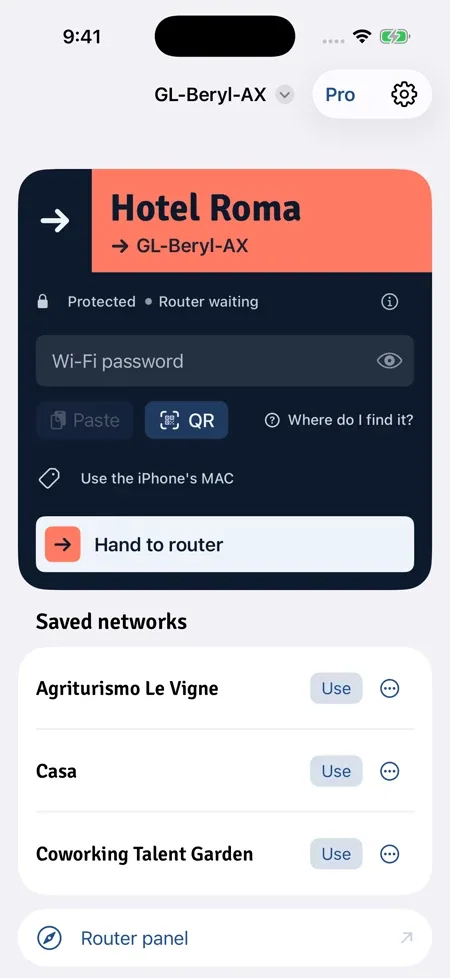
The Mac can read a saved password from the Keychain. iPhone cannot, so the password is pasted once or read from a Wi-Fi QR code. Windows reads the saved profile; on Android it is typed, pasted or scanned.
Location permission
On Mac and iPhone the network name is only visible with location access, so the app has to ask for it and explain why.
Two router families
GL.iNet routers speak a local API with a challenge login; OpenWrt speaks ubus. A change that leaves the router unreachable must undo itself.
Hotel login pages
A captive portal still needs a device behind the router. The app detects the login page and opens it instead of pretending to solve it.
Our role
Product definition, interaction and visual design, the apps on all four platforms, the router drivers, the test suites, the release pipelines and the product site.
What we built
A sign, not a settings screen
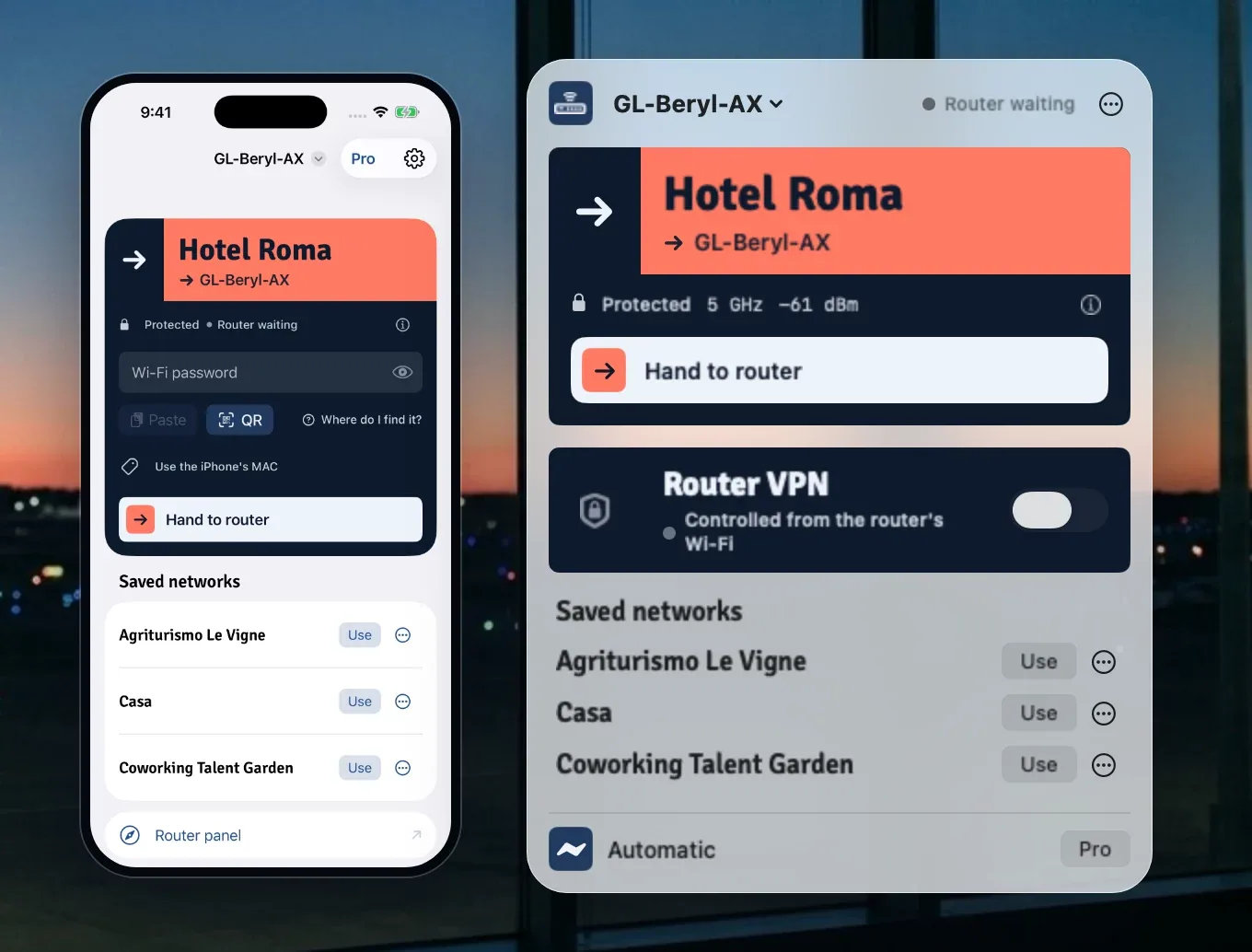
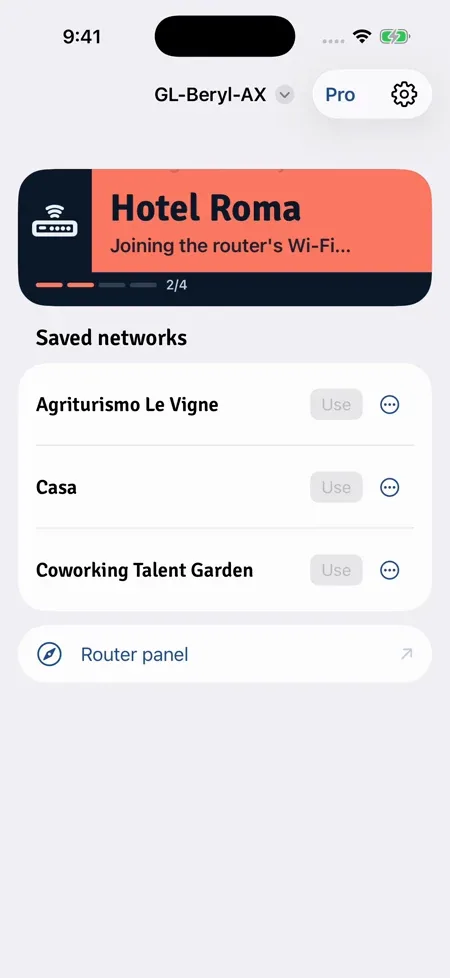
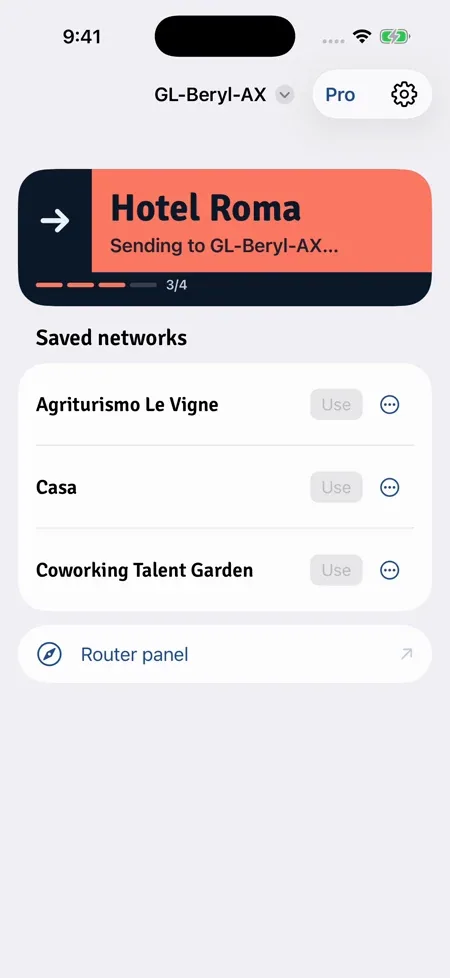
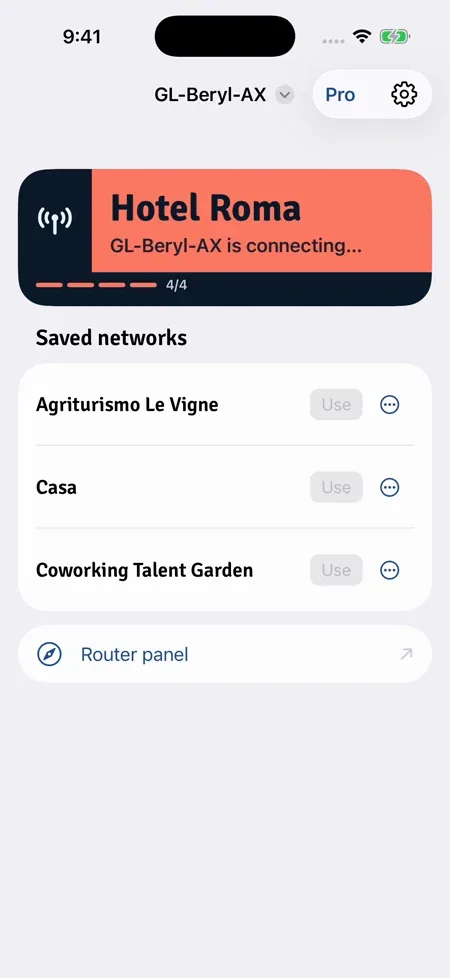
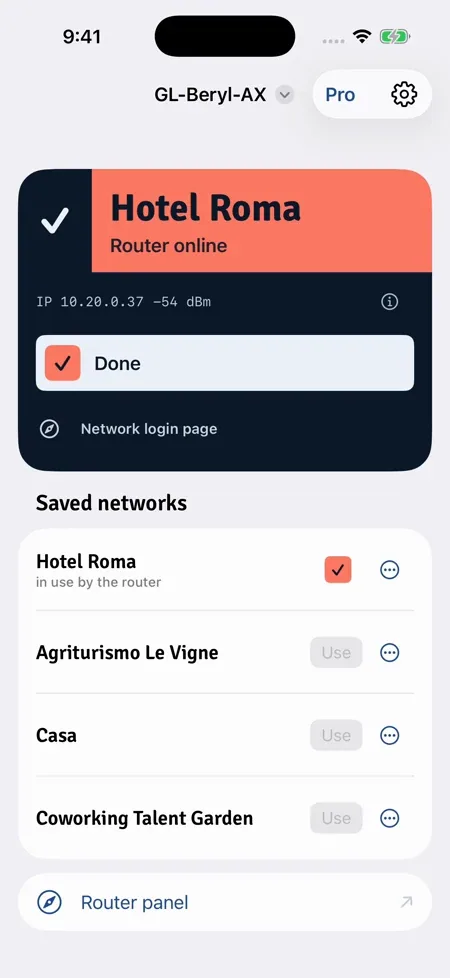
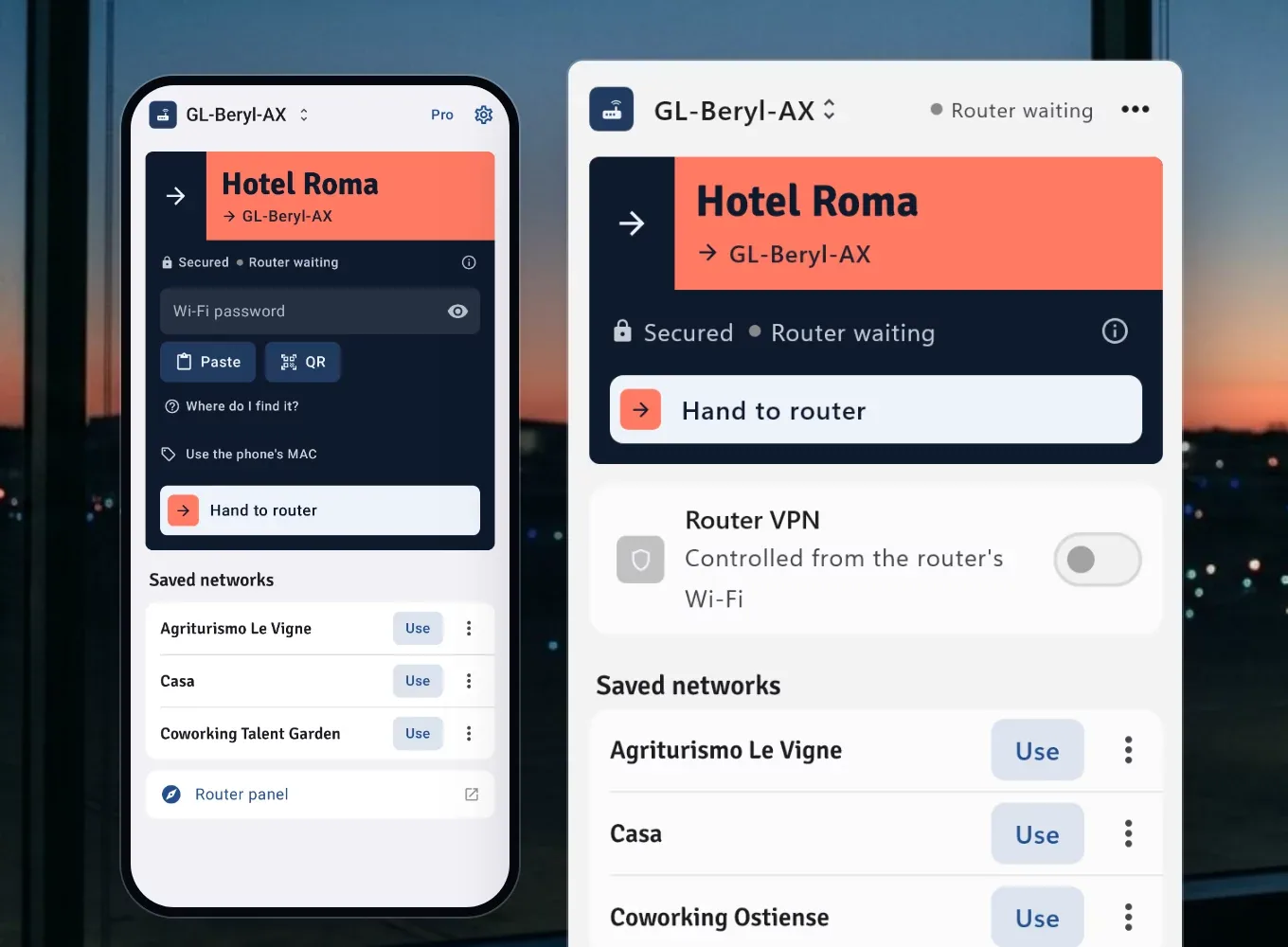
The interface borrows from airport wayfinding. One coral band names the network you are on, an arrow plate points at the router, and each step of the handoff re-signs the band, the way a departures board flips. The sign keeps the same colours in light and dark mode, so it reads the same on every device.
One core per platform family
The router logic lives in a Swift package shared by the Mac and iPhone apps, with a command-line tool for testing. Android and Windows share a Kotlin translation of the same core and one Compose version of the sign.
Native on each system
A menu bar app on the Mac; widgets, Control Center and a Live Activity on iPhone; Shortcuts and Siri on both; a widget and quick settings tiles on Android.
Tested without a suitcase of routers
A mock router and fake drivers let the whole handoff run in tests: 242 tests on the Swift core, UI tests on iPhone, and 411 Kotlin tests across the core, the Android app and the Windows app.
Release pipelines
Twelve GitHub Actions workflows build the Mac app, send iPhone and Mac App Store builds to TestFlight, push every Android build on main to Google Play internal testing, package Windows installers and regenerate store and site screenshots.
What shipped
- 15 Oct 2026
- First commit; product site and OpenWrt driver the same day
- 20 Oct 2026
- Versions 1.0 and 1.1 tagged
- Oct 2026
- Kotlin core, widgets, Microsoft Store package
- Tests
- 658 automated tests: 242 Swift core, 5 iPhone UI, 411 Kotlin
- Pipelines
- 12 GitHub Actions workflows, one per store and for screenshots
- Tried on
- A GL.iNet Slate 7 with firmware 4.10.1; OpenWrt and the other drivers are covered by tests against fake routers
- Status, Nov 2026
- Mac preview download on routersync.com; iPhone in App Store review with TestFlight builds; Android in Google Play internal testing; Windows preview builds
See it liveroutersync.com